Session Host Configuration in Azure Virtual Desktop is now General Available!
Session Host Configuration in Azure Virtual Desktop is now GA!
Welcome back!
I planned to publish part 2 on Application Gateway for AKS, but last month something new reached general availability, Automated hostpools.
If you have been following my Azure Virtual Desktop posts, you probably remember my earlier article about Session Host Configuration and Session Host Update when this feature was still in preview.
Good news: this management approach is now generally available, and for me this is a big step for production ready AVD environments.
In this post I will walk through what changed, why this matters in day-to-day operations, and when I would choose this approach over standard host pool management.
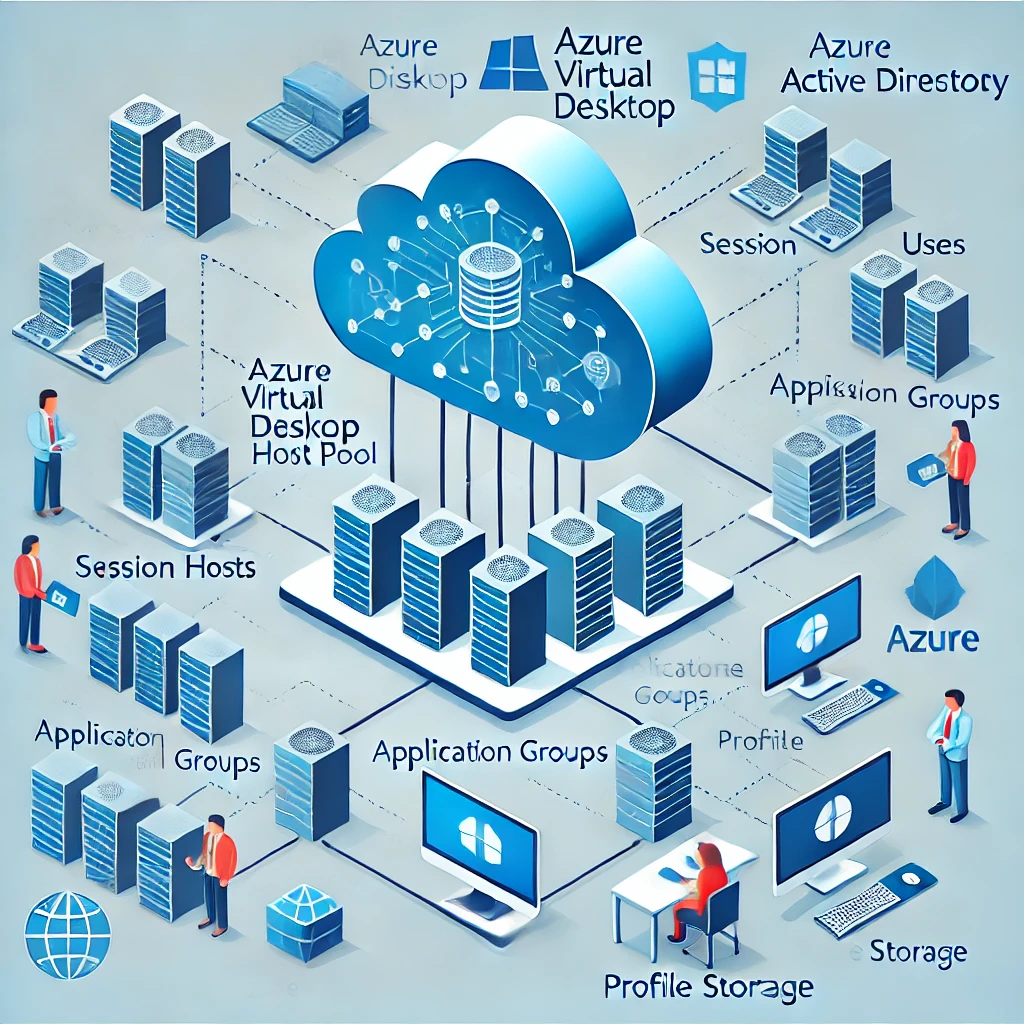
Quick recap: what is Session Host Configuration?
Session Host Configuration is a host pool management approach in Azure Virtual Desktop where you define one central configuration for your session hosts.
I always explain it as a blueprint for your host pool. Instead of configuring every machine separately, you define the image, size, disk settings, networking, domain join, security profile, admin credentials, tags, and optional custom scripts in one place. From that moment on, Azure Virtual Desktop uses that blueprint to keep newly created and updated session hosts aligned.
From preview to GA: why this matters
Going from preview to GA means this approach is now ready for broader production usage.
For many teams this is an important milestone. In preview, many organizations were still careful because they wanted to see how stable and complete the experience would become, and honestly I did the same in customer environments. Now that it is generally available, you can adopt it with much more confidence for production workloads. In practice, this means less manual work, less configuration drift between hosts, and a more predictable way of rolling out changes.
If your goal is consistency with lower operational overhead, this is a strong option.
The three building blocks
Based on the Microsoft Learn guidance, this model combines three parts that work together. The session host configuration defines what the host should look like. The session host management policy controls how the platform performs creation and updates, including behavior such as batch size and logoff timing. Finally, session host update decides when those changes are applied to existing hosts.
I like to explain this as a simple chain: what you want, how it should run, and when it should happen. Once you start working with it that way, the whole flow becomes much easier to reason about.
Important design choice (and still very important)
One key point remains exactly the same as before: you choose the host pool management approach during creation, and you cannot switch it later. That is why this is not just a technical checkbox, but a design decision I always discuss early in a project.
Before creating a host pool, decide whether you want to work with Session Host Configuration or with standard management. Your automation strategy, governance requirements, and operational model should drive that choice, not only convenience in the portal.
When to choose Session Host Configuration
This approach is usually a great fit when you run pooled host pools and want Azure Virtual Desktop itself to orchestrate consistency. I especially like it when teams want to roll out image or configuration changes in a controlled way, without stitching together many separate scripts and manual steps.
When standard management is still better
Standard management can still be the better choice when you already have mature pipelines and lifecycle tooling in place, or when you need maximum flexibility to create and update hosts outside the Session Host Configuration model. If your current provisioning process is deeply integrated and proven in production, there is nothing wrong with continuing that route, I still see this often in larger enterprise environments.
A few practical notes
This approach is designed for pooled host pools, and that has practical impact on how you operate. Tooling built around standard management does not map one to one, and onboarding hosts from an external flow is different because you do not use the same registration-token pattern as before. Also, spend time tuning policy settings such as batch size, user notifications, and logoff timing, because from experience these small choices can strongly affect user experience during maintenance windows.
Reference
I based this update on the latest Microsoft Learn documentation: Host pool management approaches - Azure Virtual Desktop | Microsoft Learn.
If you want to compare with my previous post from the preview period, you can read it here: Using Session Host Update in Azure Virtual Desktop.
Wrapping it up
Session Host Configuration becoming GA is a very welcome update for Azure Virtual Desktop.
It gives organizations a stronger native model to keep host pools consistent, reduce drift, and manage updates in a controlled way, without adding unnecessary operational complexity.
My advice: if you are running pooled AVD at scale and want a cleaner operational model, test this approach in your test environment first, validate the update behavior with your users, and then roll it out to production with a clear update policy.
In my next post, we are going to take this one step further and do a full deployment with Bicep.
Thanks for reading, and see you in the next one!